 Doover
Photo editor for iPhone
Every photo deservesa second life.
A free darkroom that edits like a retoucher — and, when you want more, redraws your photo as something new.
 Free to edit · No ads · No subscription
Every photo deserves a second life. This is Doover.
Start with film and cinema and black-and-white looks, free and instant.
Underneath is a full darkroom, light and curves and colour and masks that find the sky, and it's all free. No subscription, no ads.
No sliders? Just ask for warmer, and Doover makes the edit.
Or Auto edit reads your photo and does it for you, and every slider stays yours.
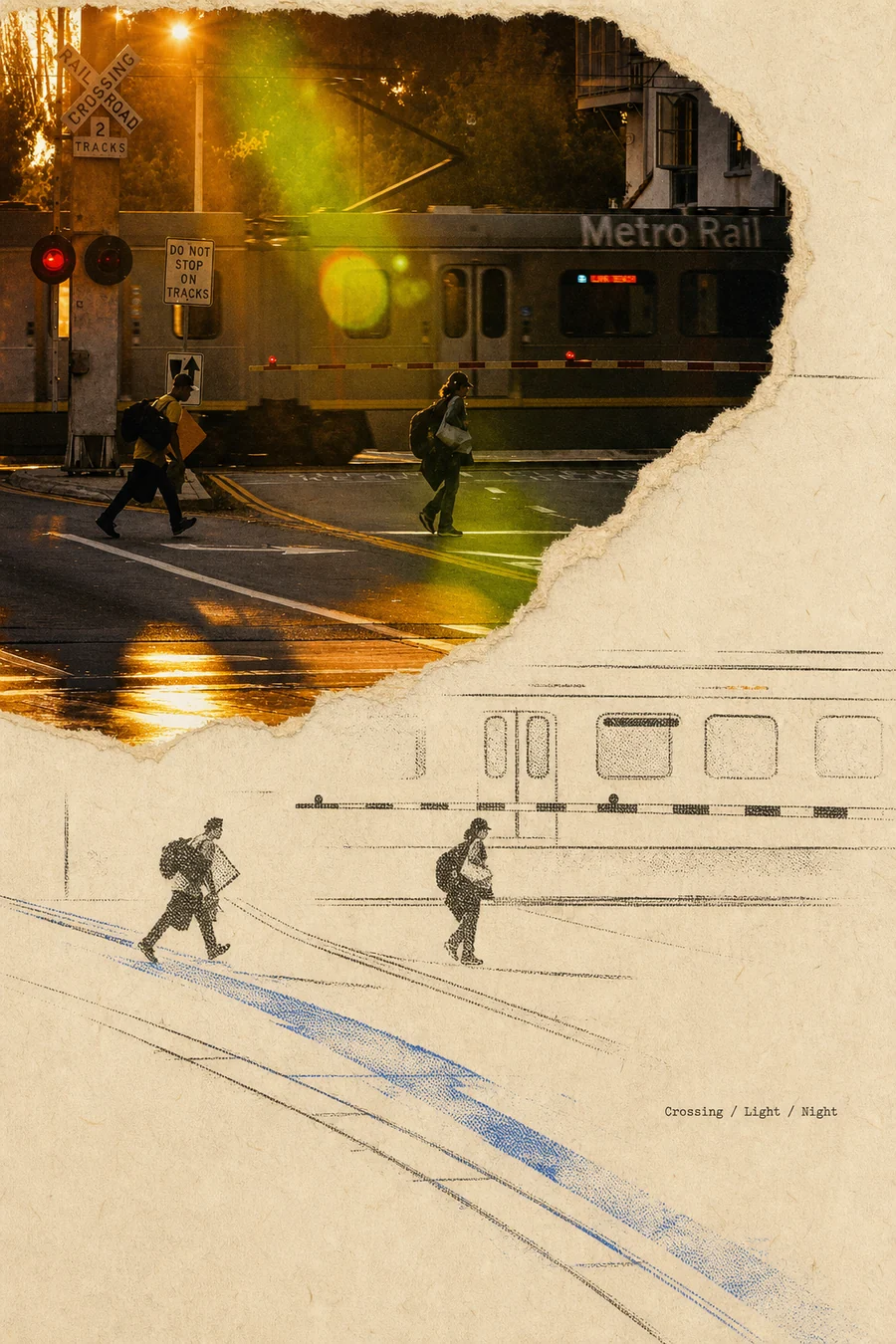
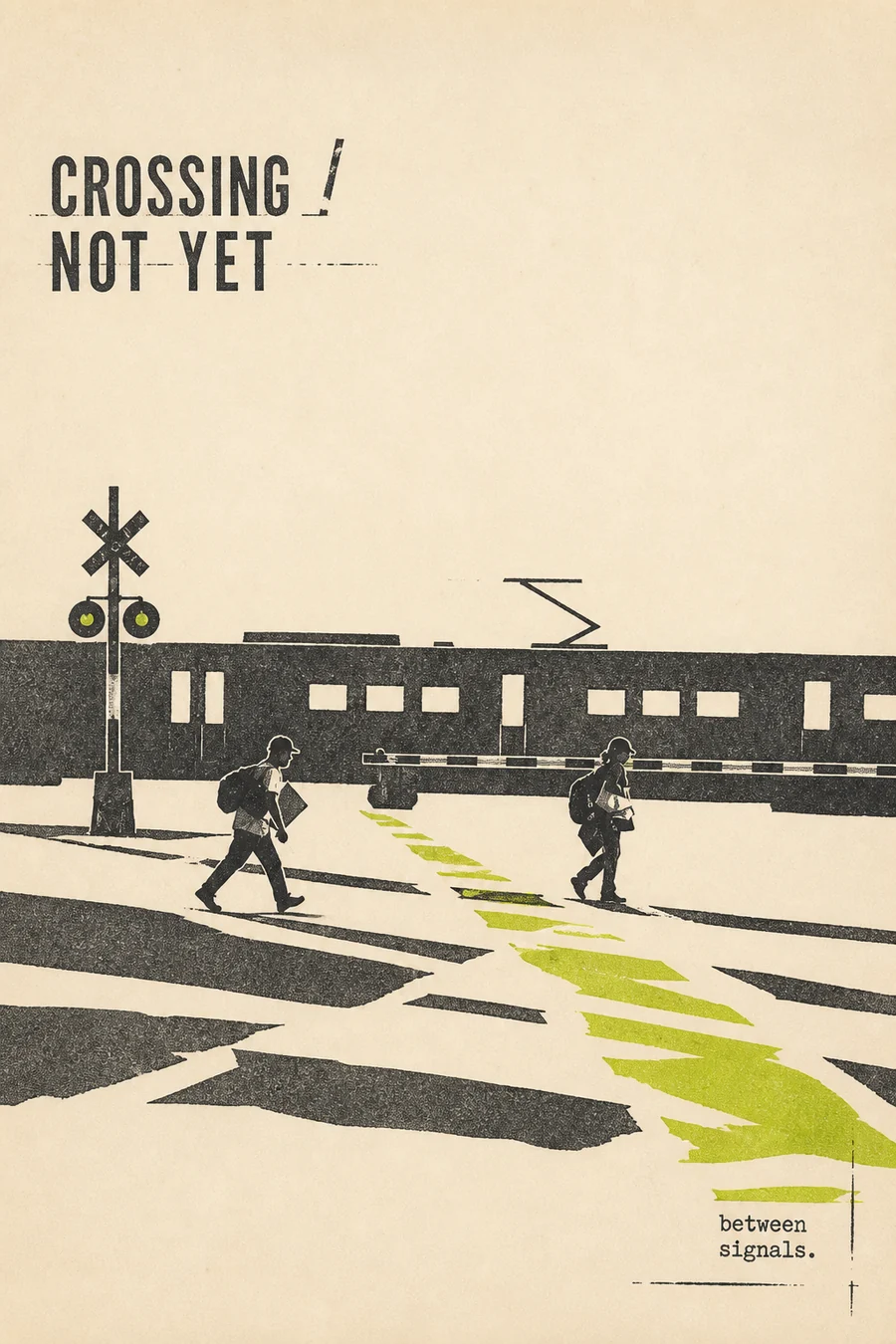
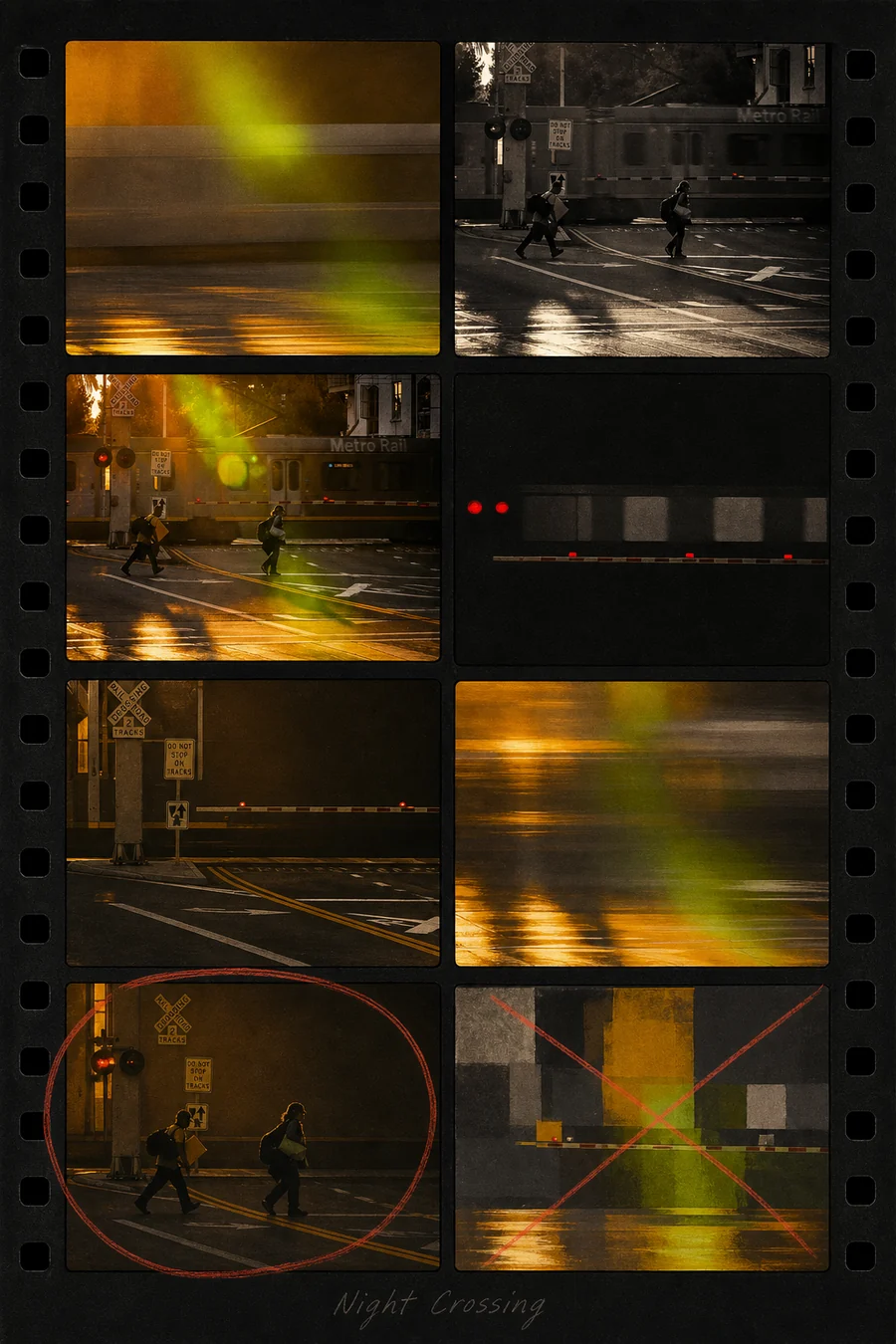
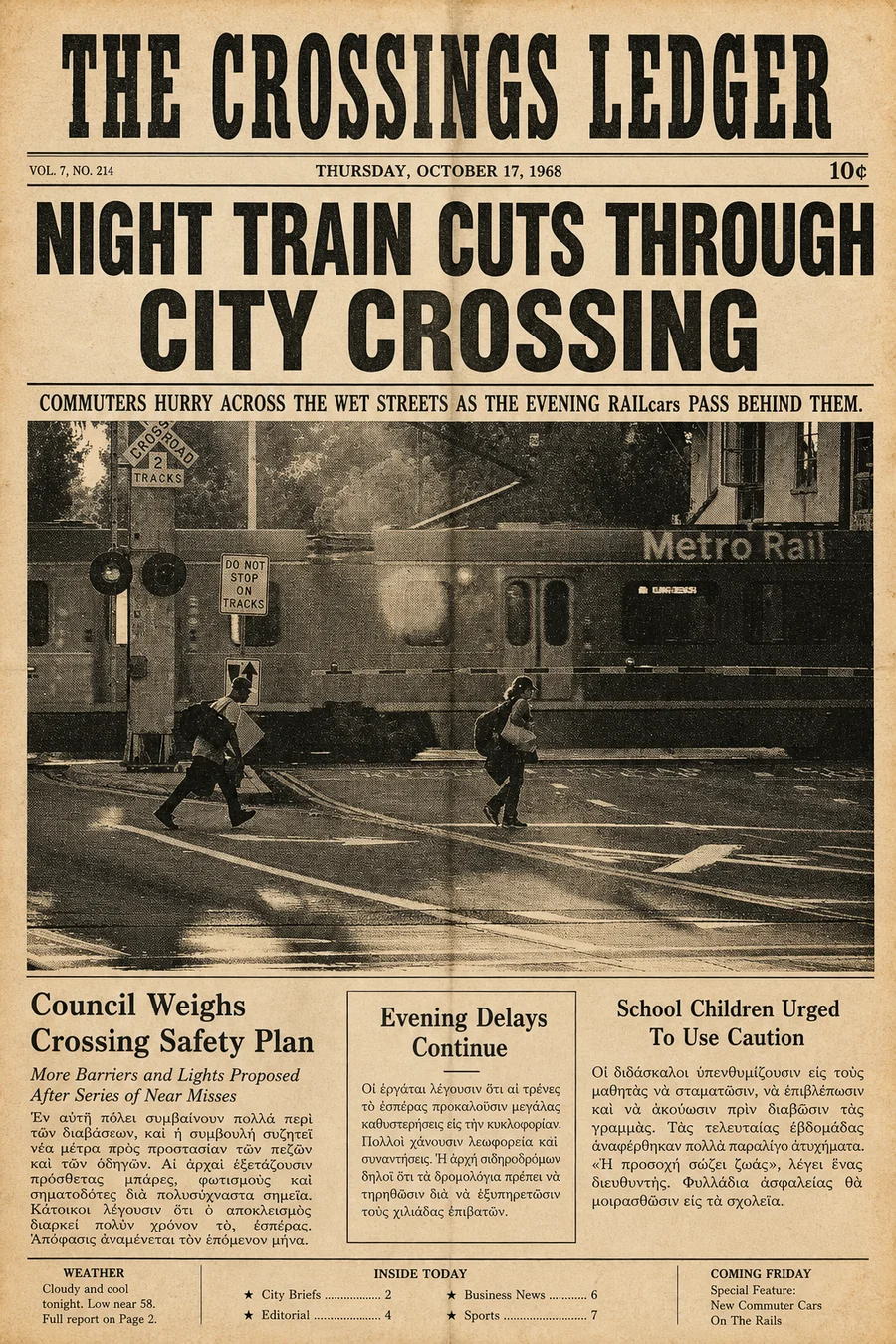
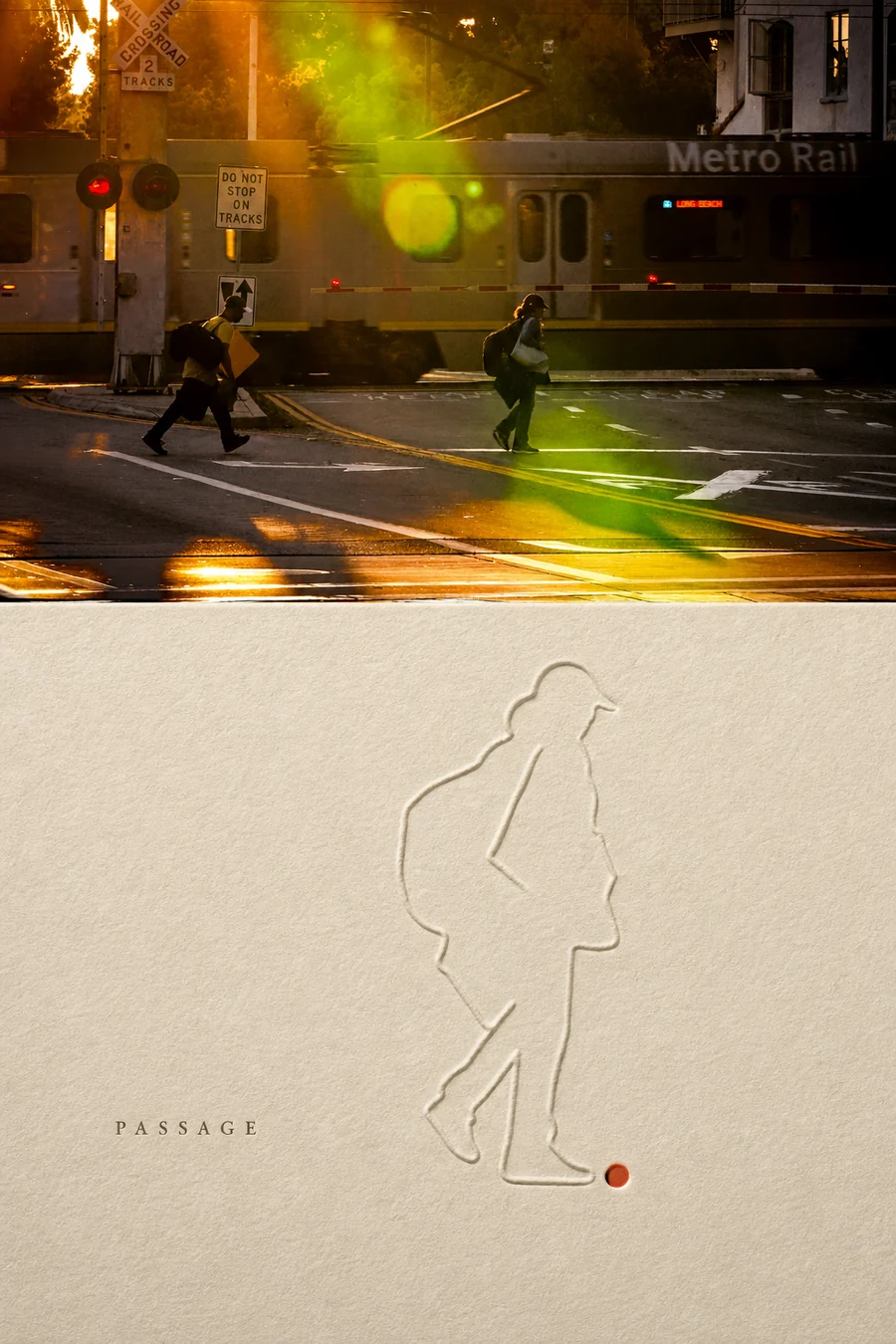
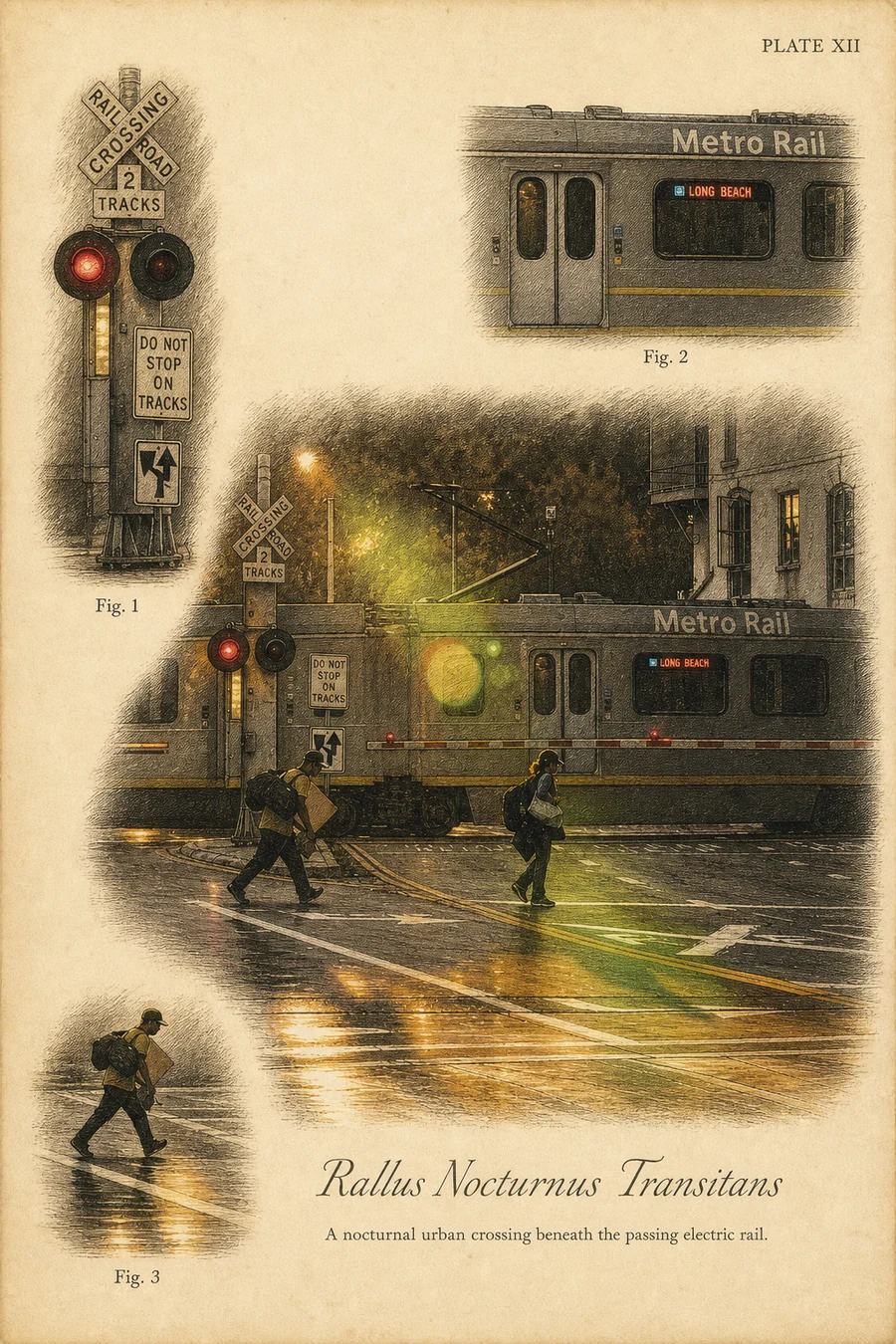
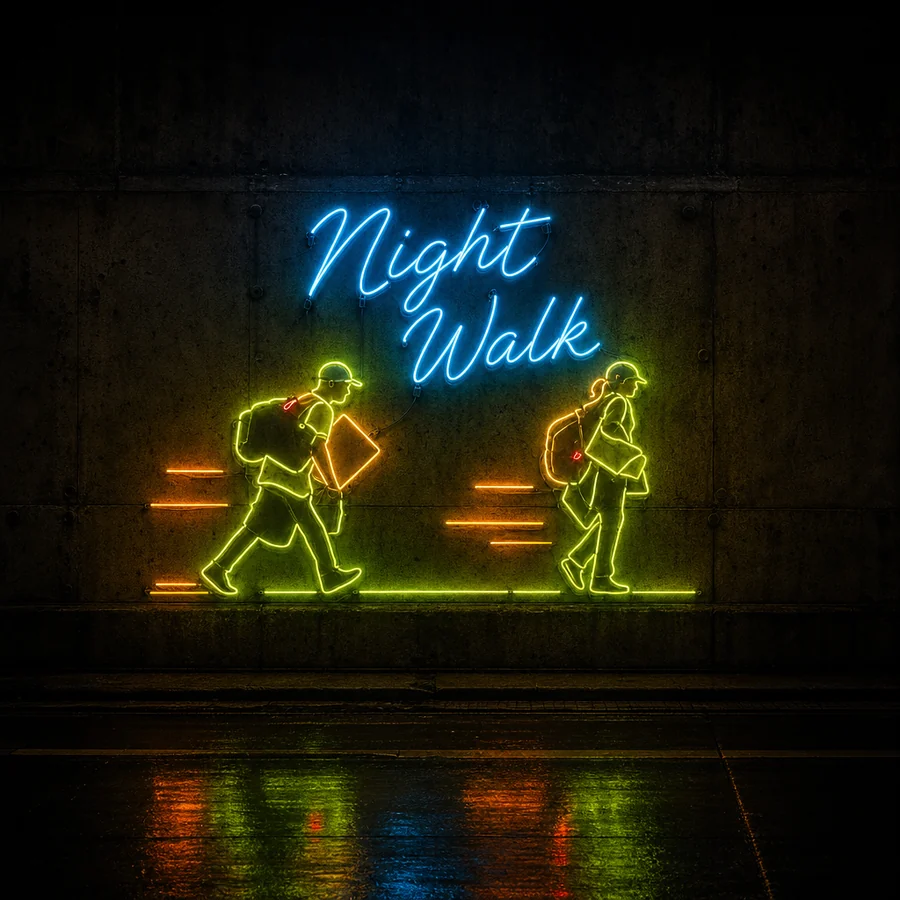
Effects go further, redrawing your photo as a natural-history plate, a postcard, a neon sign, and many more.
Tap a preset, or just chat: describe a change, keep talking, and your original stays safe.
Find more in the store, with originals, the community's best and boards of what's popular. Star to install.
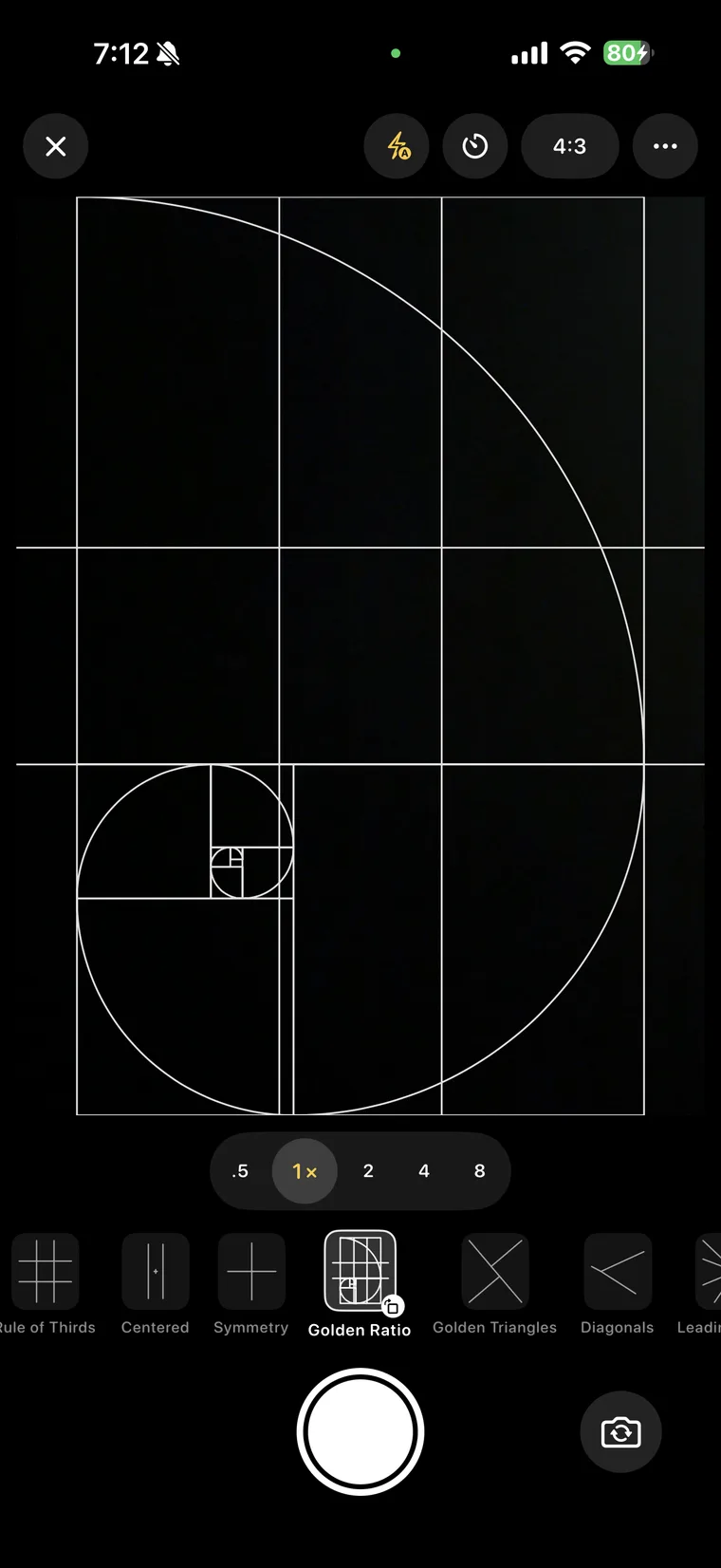
And the camera draws guides for you, from thirds to the golden spiral and faces.
Pick a photo, adjust it free or create something new. Doover. Every photo deserves a second life.
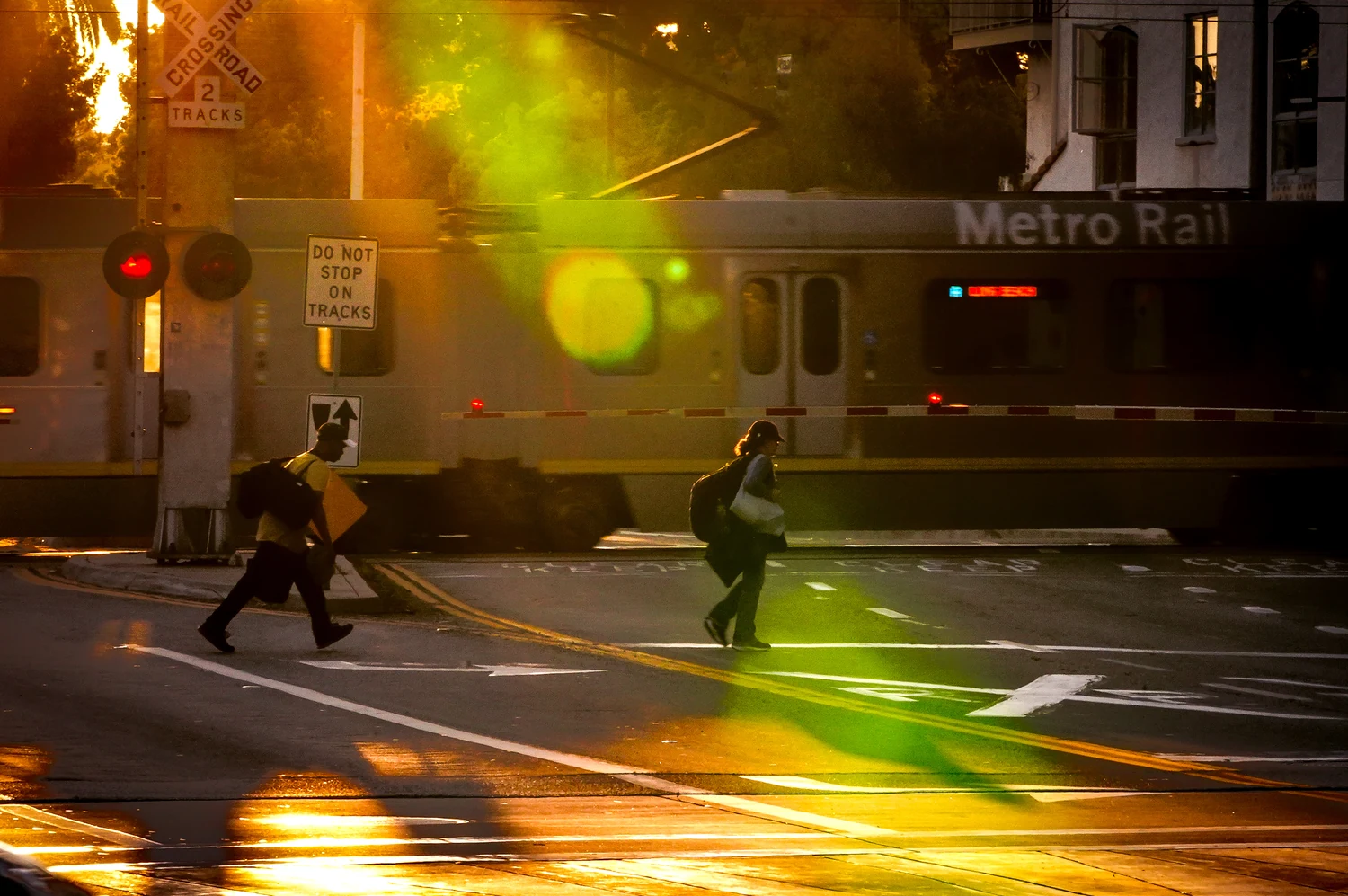
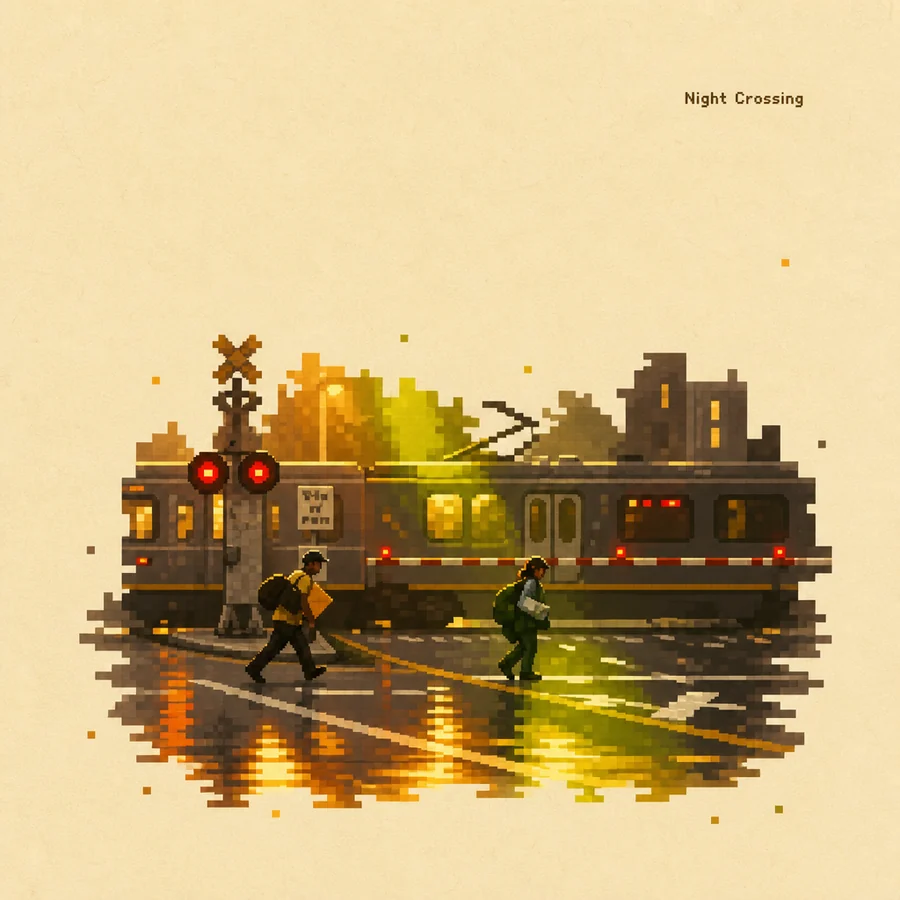
Not a filter. A redraw.
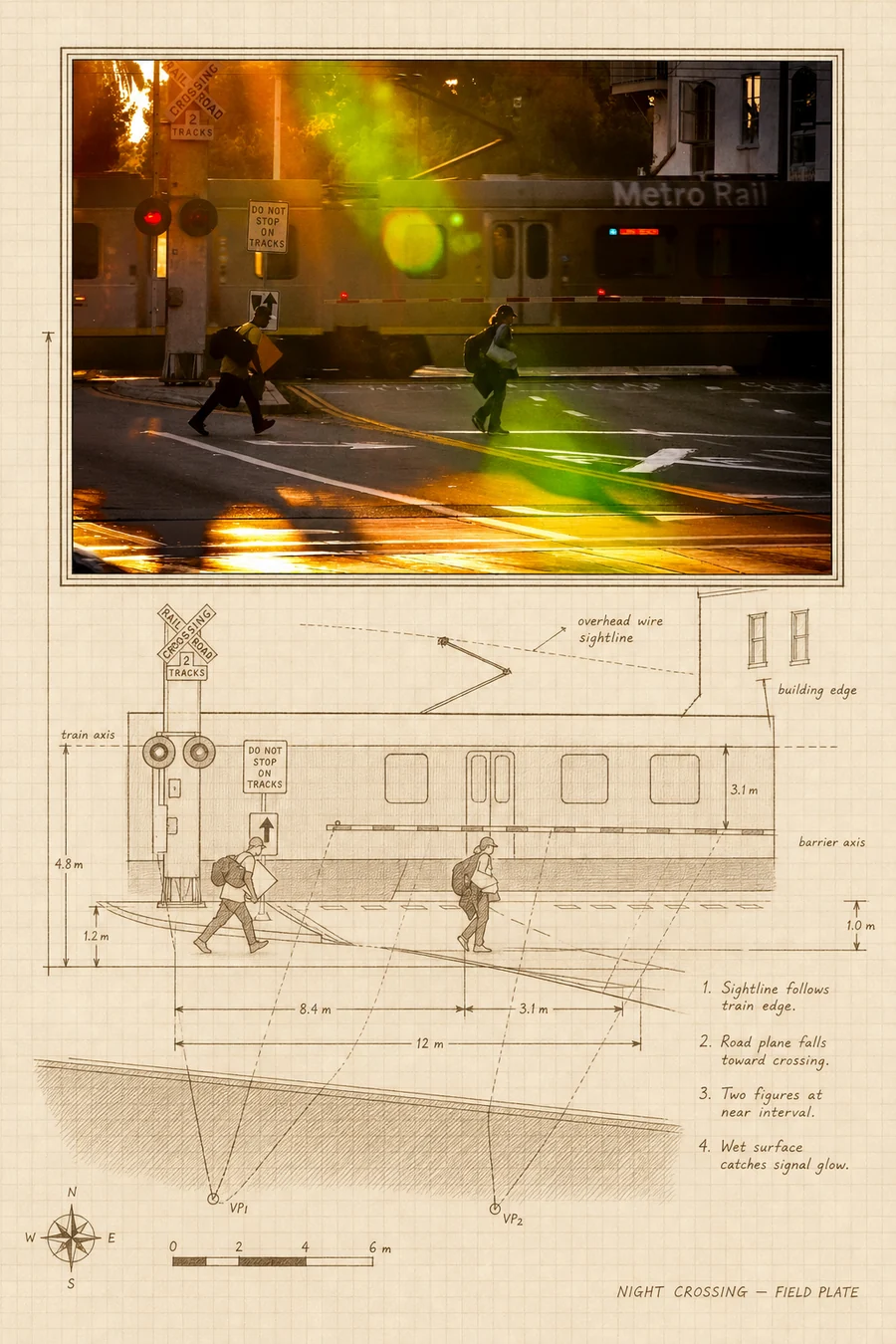
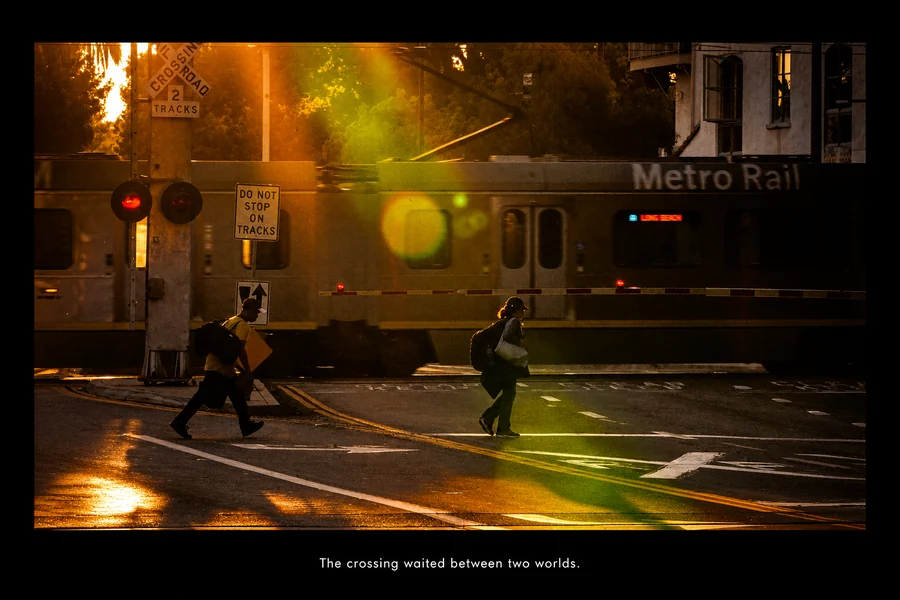
Doover reads your photo — the light, the subject, the mood — and draws it again. Drag to compare.
 PhotographCream Pixel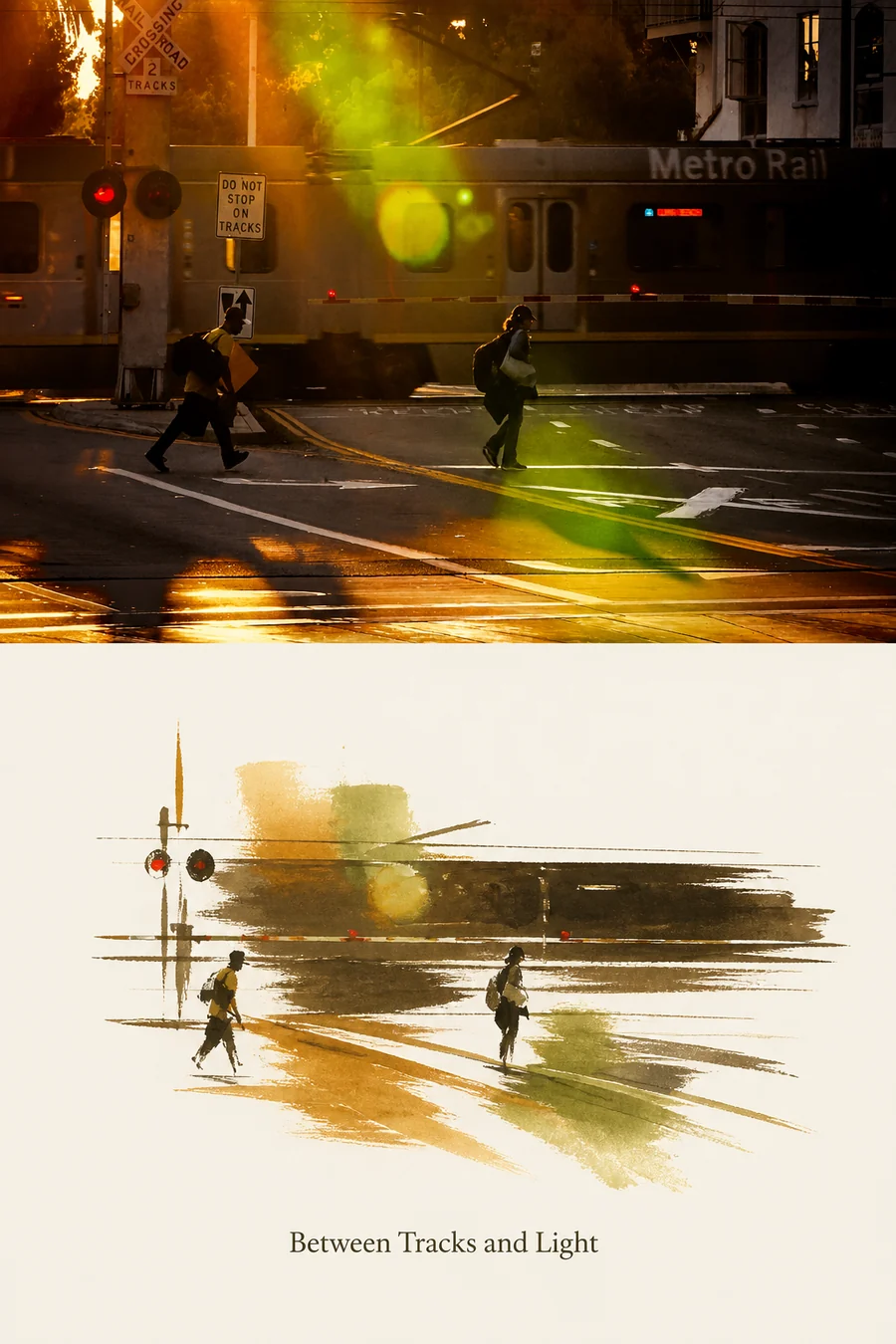
Edit it. Or make something new.
Free
Auto edit.
Pick Natural, Balanced or Creative. Doover reads the photo and edits it in front of you, move by move — and every slider stays yours. Or just say “warmer”.
Credits
Effects.
A neon sign, a zine page, a natural-history plate. Pick an effect or describe what you want in a sentence. Your original is always kept.
Free
A guided camera.
Composition guides drawn over the viewfinder — thirds, the golden spiral, leading lines, and a set made for faces.
Tutorial · 3:23
Learn Doover in three minutes.
Every screen, from picking a photo to the camera’s guides.
Transcript
Every photo you've taken has a second life waiting in it. Doover is how you find it.
Open Doover and pick a photo, from your library or straight from the camera. Then choose a way in. Auto enhance, for an edit that's done for you. Edit photo, for every tool in your own hands. Or Create with AI, to turn it into something new.
Start with a look. Film stocks, cinema grades, black-and-white papers, and many more, from soft and airy to dark and moody. Swipe, and each one develops right on your phone. Free, instant, and yours to keep.
Underneath every look is a complete darkroom. Light, for exposure and shadows. Curves, channel by channel. Colour, hue by hue. Masks, that already know the sky from the mountains, so you can change one and leave the other. Portrait retouching, for skin and eyes. And the canvas, to crop and straighten. There's much more, too: grain, dehaze, light leaks, healing, and colour grading. And all of it is free. No subscription. No ads. Nothing to unlock.
And if you'd rather not touch a slider at all, just ask. Warmer, and lift the shadows. Doover makes the edit, and tells you exactly what it changed.
Not sure where to start? Tap Auto edit, and choose Natural, Balanced, or Creative. Doover reads the photo, writes a plan, and carries it out in front of you, one move at a time. Nothing is baked in: every slider stays yours.
Then there are effects. An effect isn't a filter. It's a skill, written by a person, that redraws your photo. A natural-history plate. A painted postcard. A neon sign. A page torn from a zine. And many, many more.
To use one, switch to Create. Pick a preset, and it's one tap. Or just chat: describe the change you want, in your own words, then keep talking until it's right. The original is always one tap away.
Have a look in mind that isn't here yet? Make it your own effect. Describe it once, and Doover writes the whole recipe, tests it on a sample photo, and hands it back, ready to use on every photo after.
The store is where effects live: Doover originals, the community's best, and boards that rank what people actually use. Star an effect to install it, and follow the creators you love.
And before you even take the shot, Doover's camera helps you frame it, with guides that draw themselves over the viewfinder: the rule of thirds, the golden spiral, leading lines, symmetry, and a set made just for faces.
Pick a photo. Adjust it for free, or create something new. Doover. Every photo deserves a second life.
You have thousands of these.
Give one a second life.